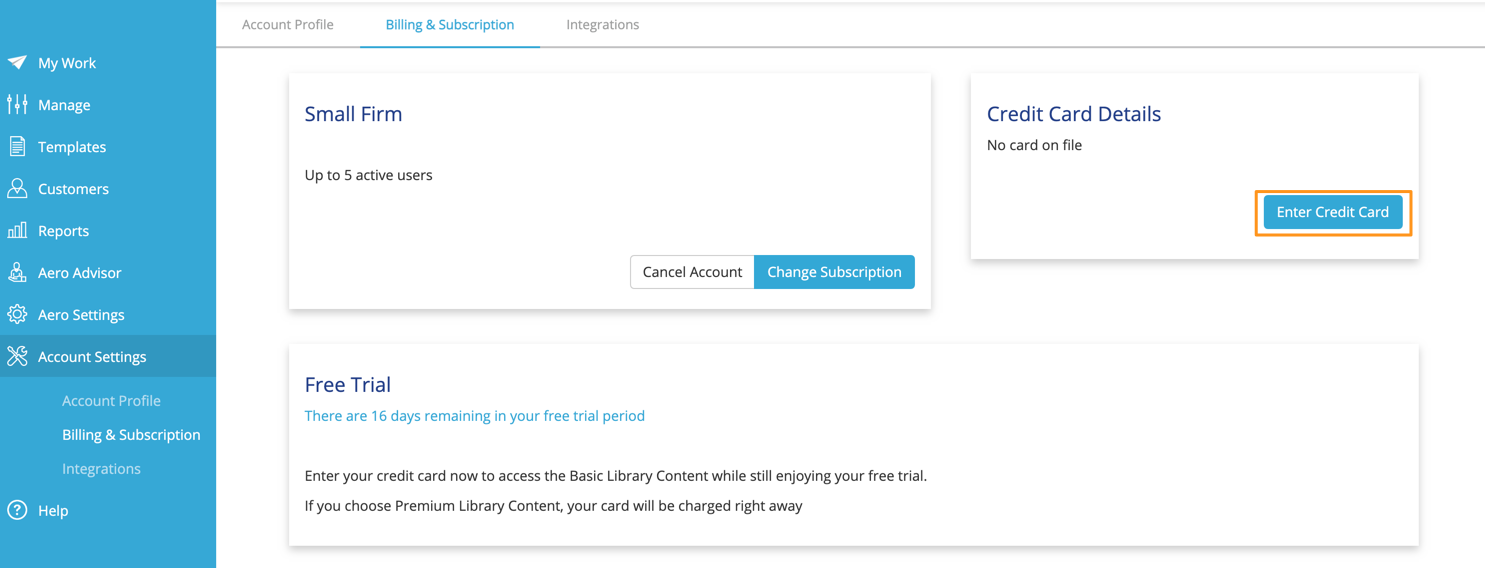
To add a new credit card in Aero, navigate to Account Settings > Billing & Subscription.
- In the Credit Card Details section, click the Enter Credit Card button.
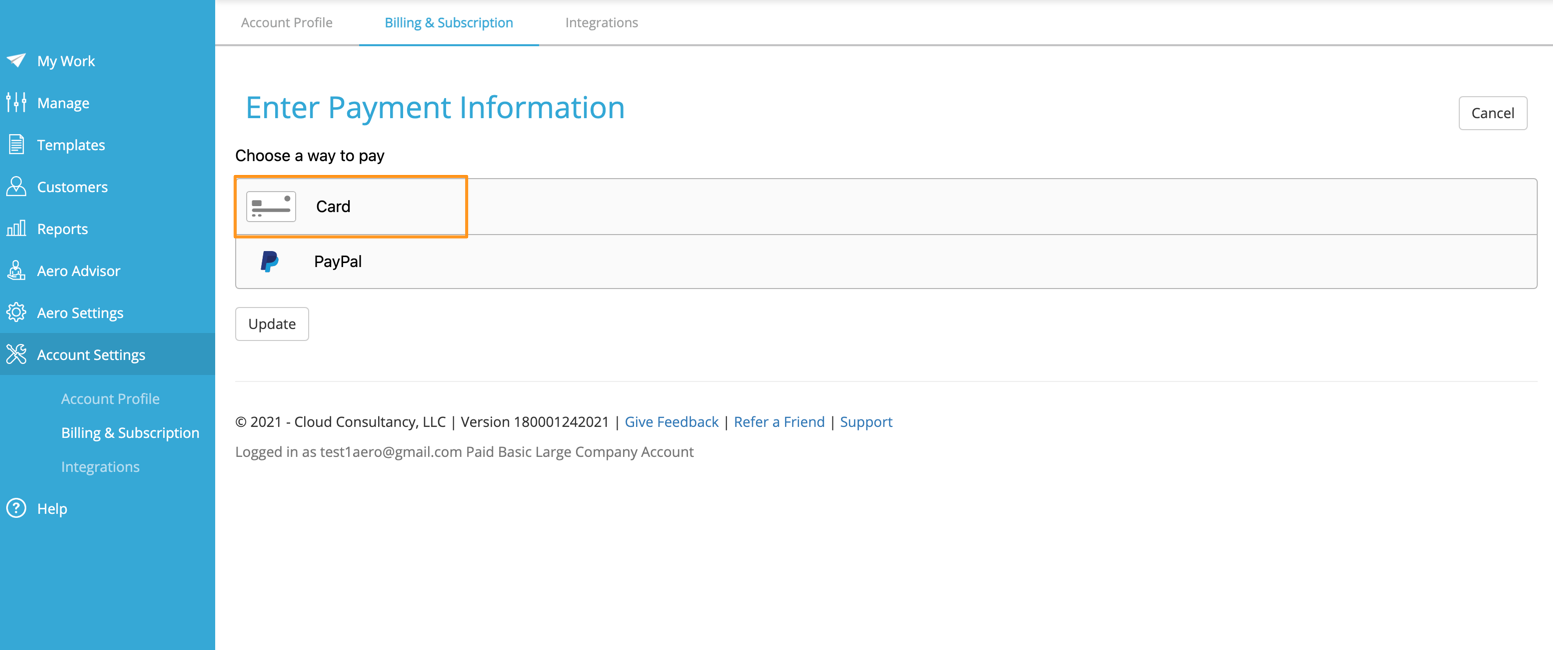
- Choose Card on the Enter Payment Information screen.
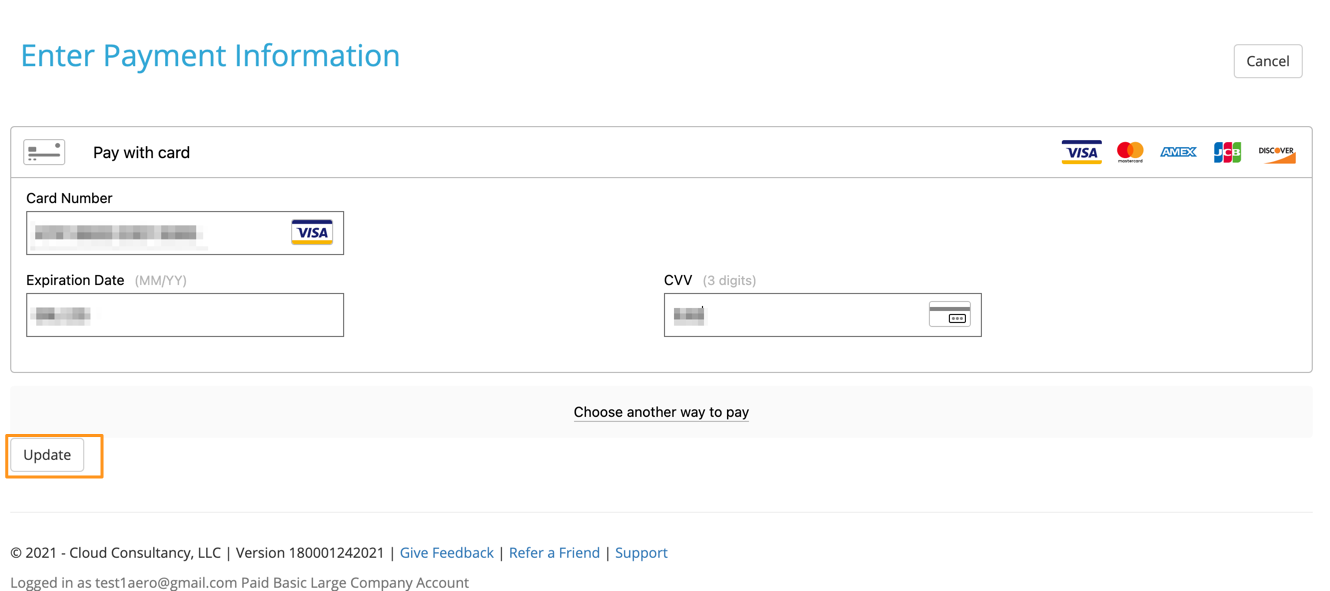
- Enter your Credit Card details and click Update. Note that not all types of credit cards are accepted for subscribers outside of the United States.
- When the update is complete, you will be returned to the Billing and Subscription screen.
Comments
0 comments
Please sign in to leave a comment.